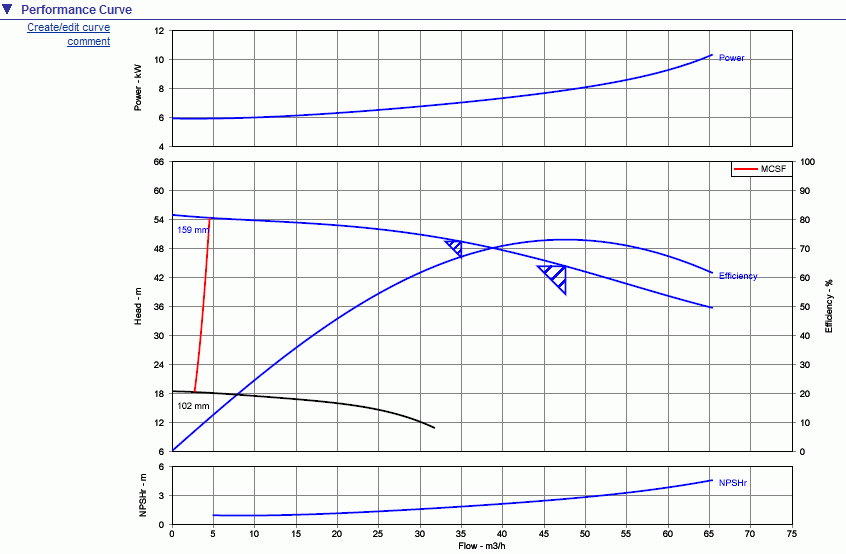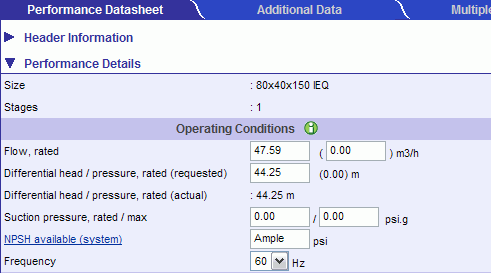
Show flow #2 menu page menu option allows you to enter an additional flow for which the duty point will be displayed on the performance curve. See the example below.
Selecting the Show Flow #2 menu option will display an additional flow, rate input field.
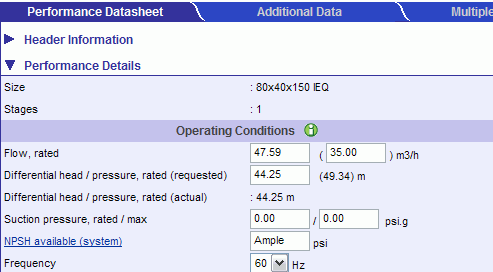
Enter the desired second flow. (35 m3/h for entered in the example below)
Recalculate - the head,rate will be calculated. (49.34m)
The performance curve will display the duty point for Flow #2. (See the smaller triangle below).